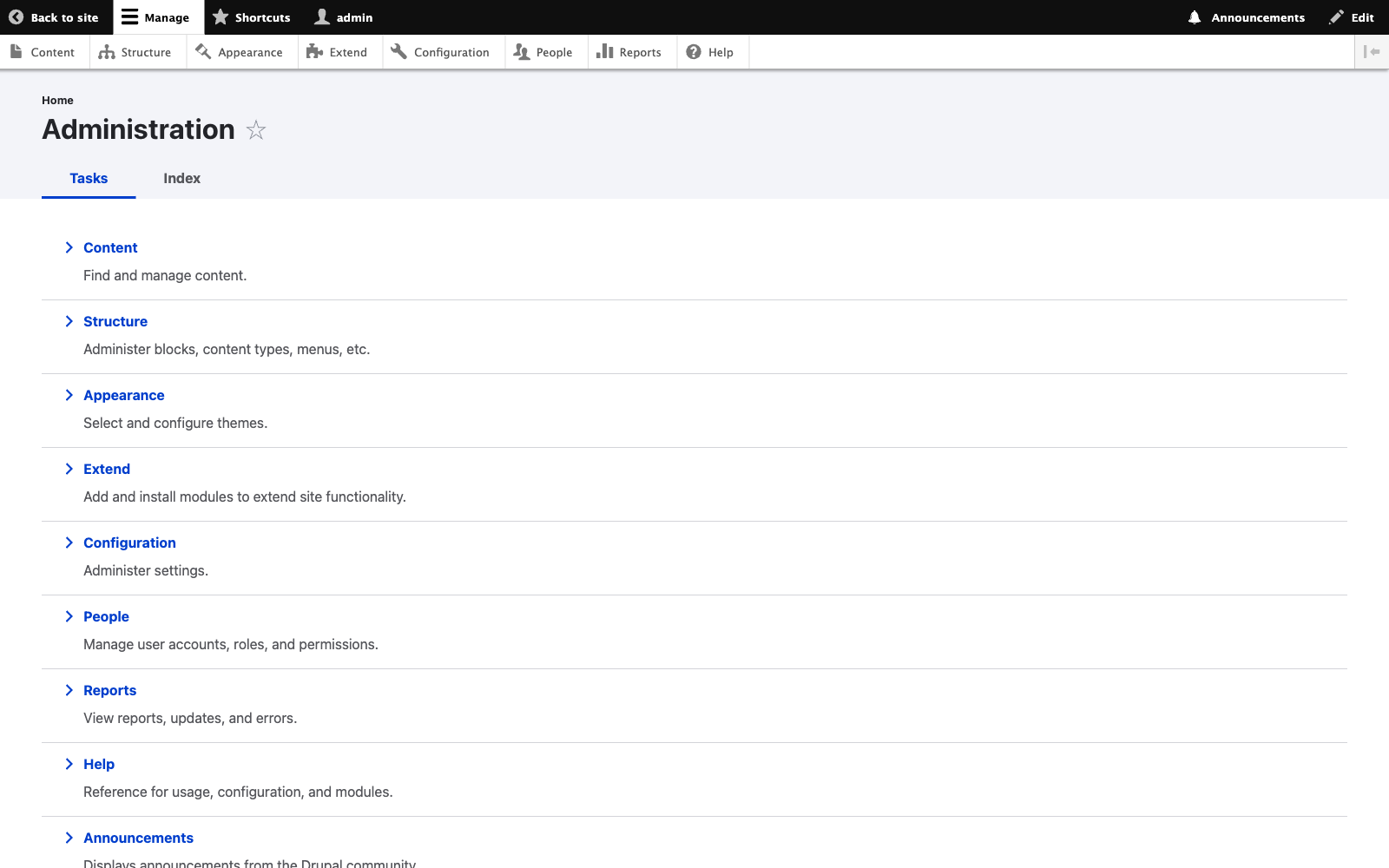
Start from Your Dashboard
The Versantus admin dashboard gives editors a clear overview of their content, recent activity, and quick actions. The clean Drupal 11 interface is designed for efficiency.
- Quick access to create new content
- View pending approvals and drafts
- Recent content activity feed
Edit Content In-Place
Mercury Editor provides true WYSIWYG editing. Click directly on any element to edit it—no switching between "edit" and "preview" modes. What you see is exactly what your visitors will see.
- Click-to-edit any text or image
- Real-time preview as you type
- Contextual formatting toolbar
Choose from 23+ Components
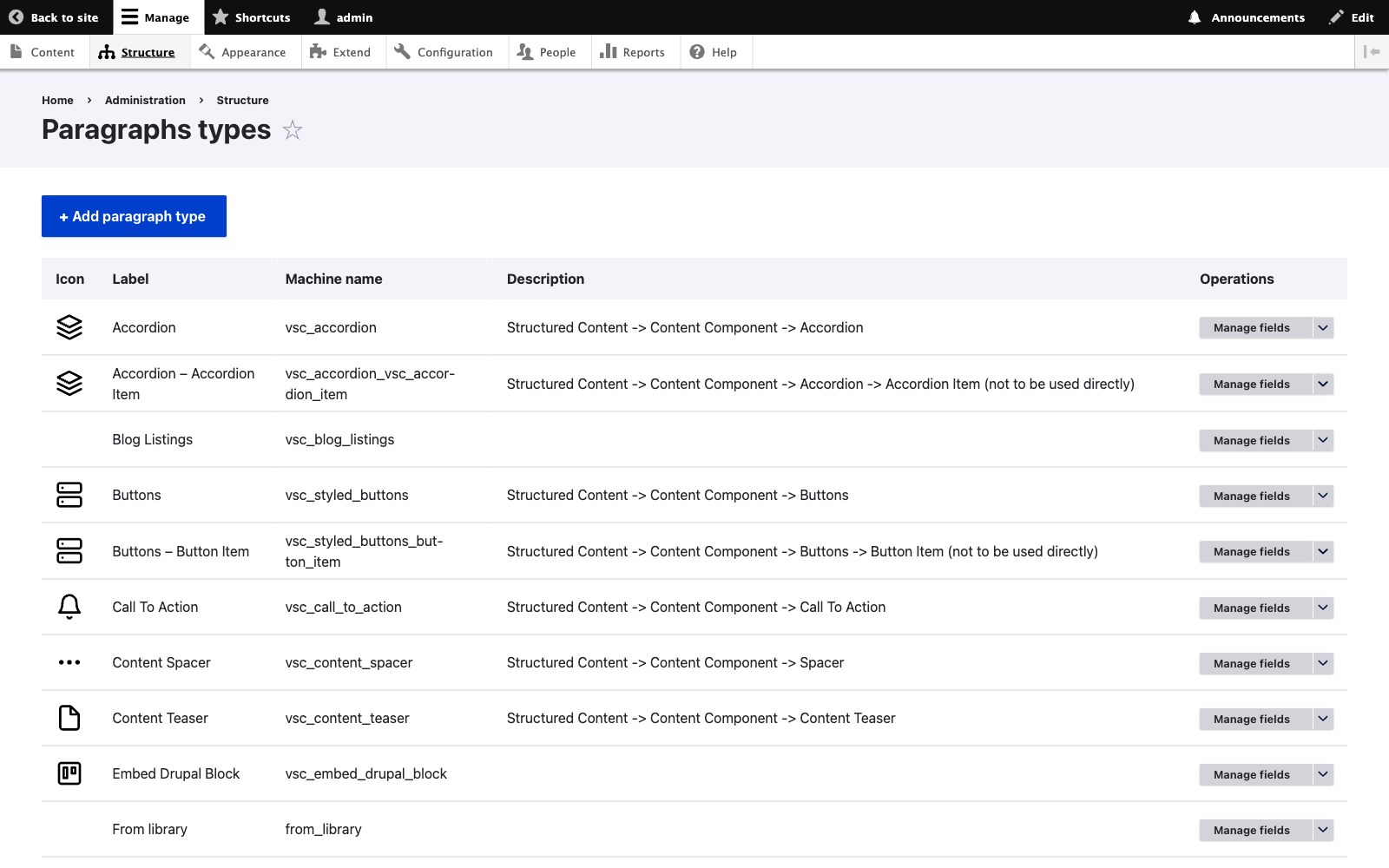
Access the full Versantus component library from the sidebar. Each component is pre-styled to match your university's brand guidelines and fully responsive.
- Heroes, cards, profiles, events
- Preview before inserting
- Drag directly onto page
Build Layouts Visually
Drag components directly onto your page and arrange them with intuitive drop zones. Reorder sections, create multi-column layouts, and nest components within containers.
- Visual drop zone indicators
- 1, 2, 3, or 4 column layouts
- Undo/redo support
Customize Every Detail
Each component has a settings panel where editors can adjust options like background colours, spacing, alignment, and display variants—all within brand guidelines.
- Pre-approved colour palettes
- Responsive spacing controls
- Component variants (e.g., "Hero with Video")
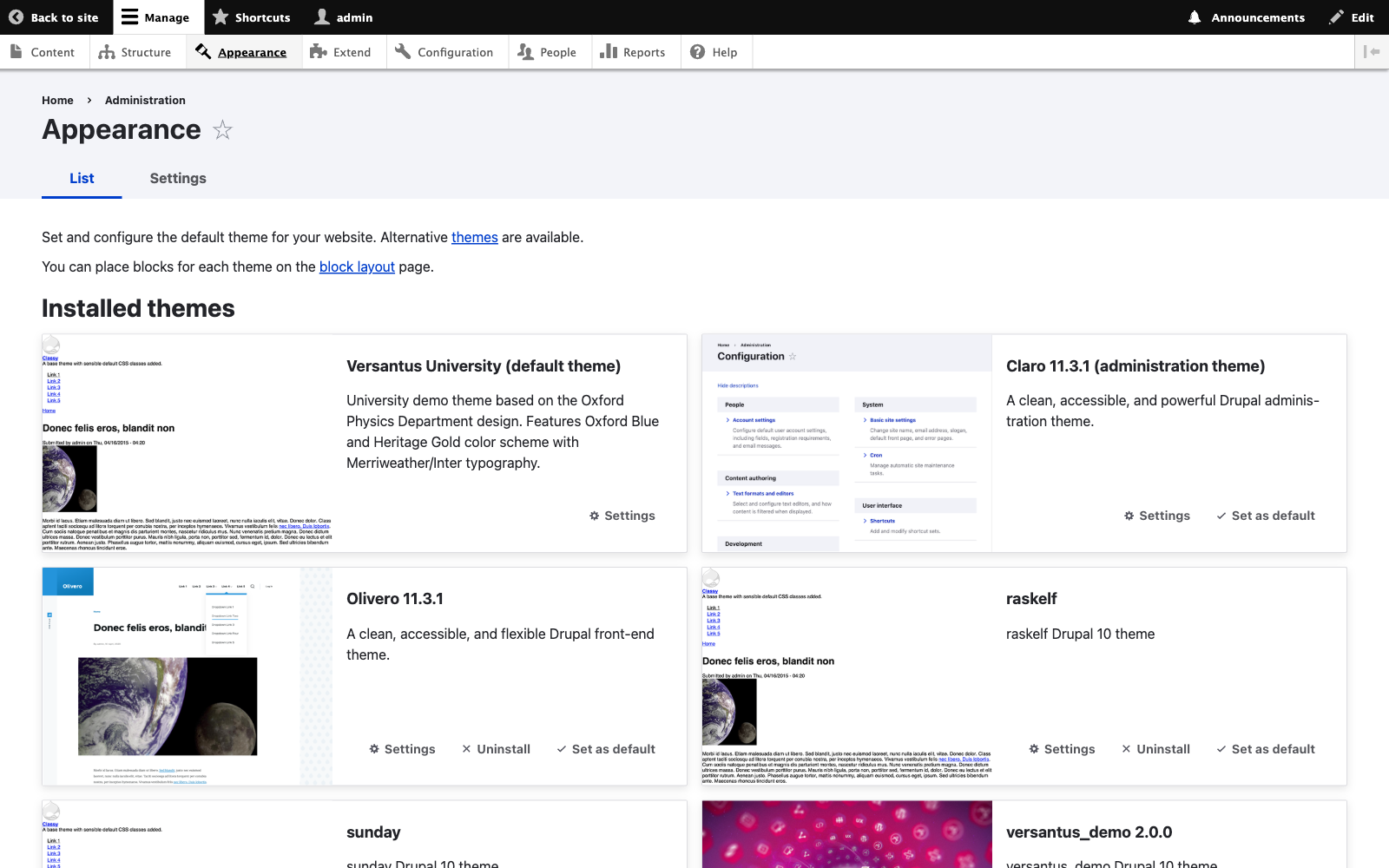
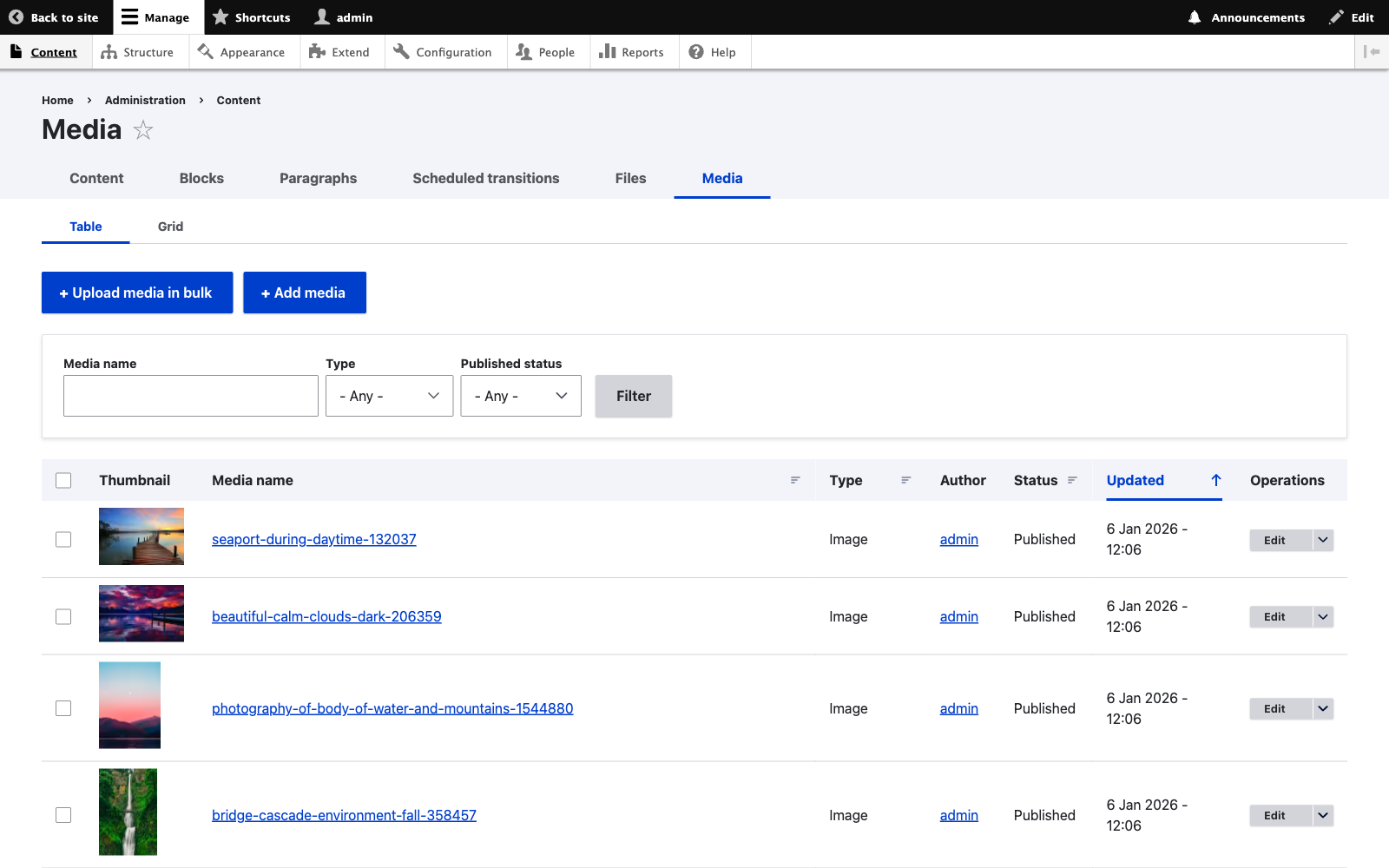
Manage Images & Files
The integrated media library lets editors browse, upload, and manage all digital assets. Automatic image optimization ensures fast page loads without sacrificing quality.
- Drag-and-drop uploads
- Automatic WebP conversion
- Alt text and metadata editing
Review Across Devices
Before publishing, preview your page on desktop, tablet, and mobile views. The responsive preview ensures your content looks perfect on every screen size.
- Desktop, tablet, mobile previews
- Save as draft or publish immediately
- Schedule for future publication
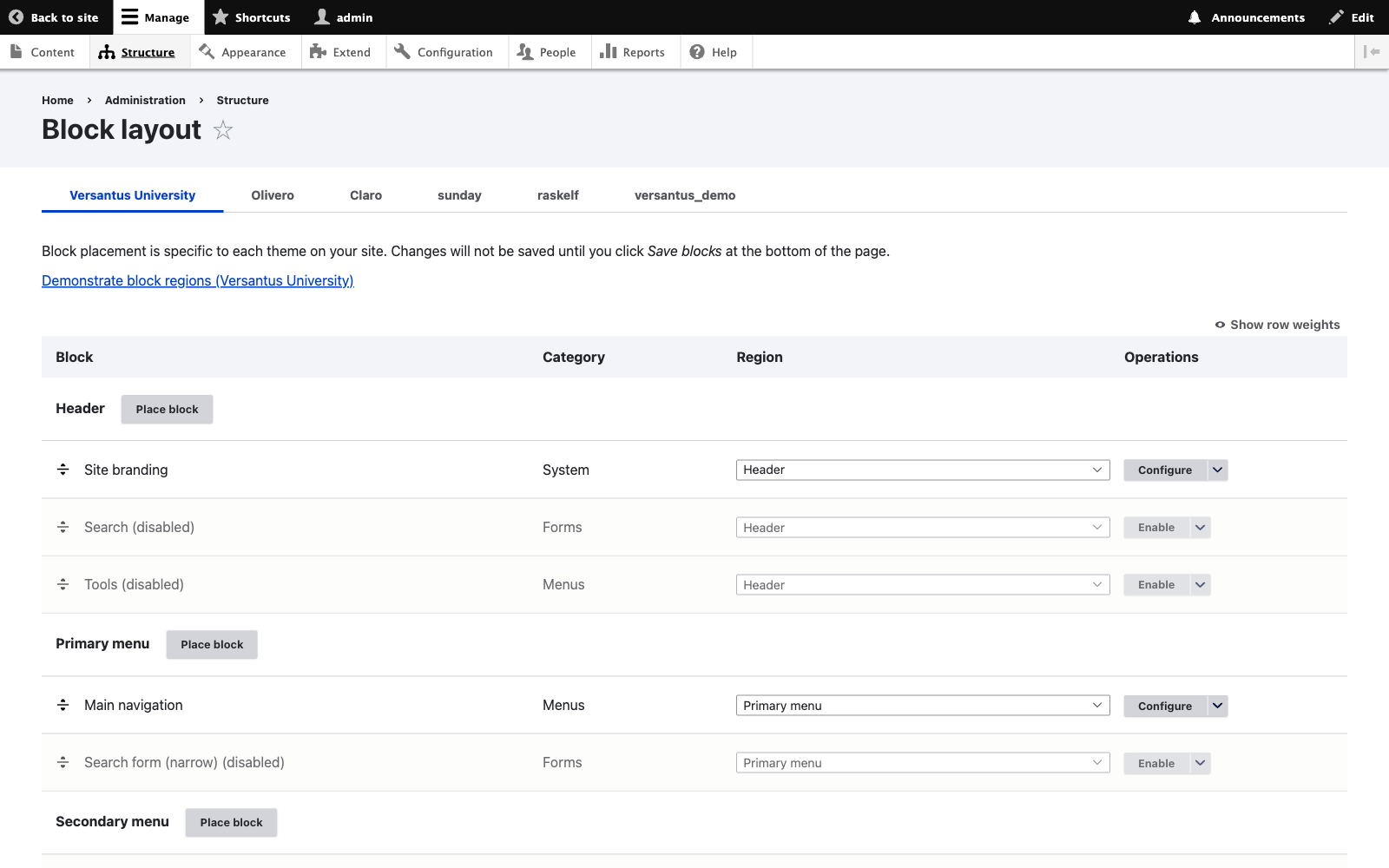
Collaborate with Your Team
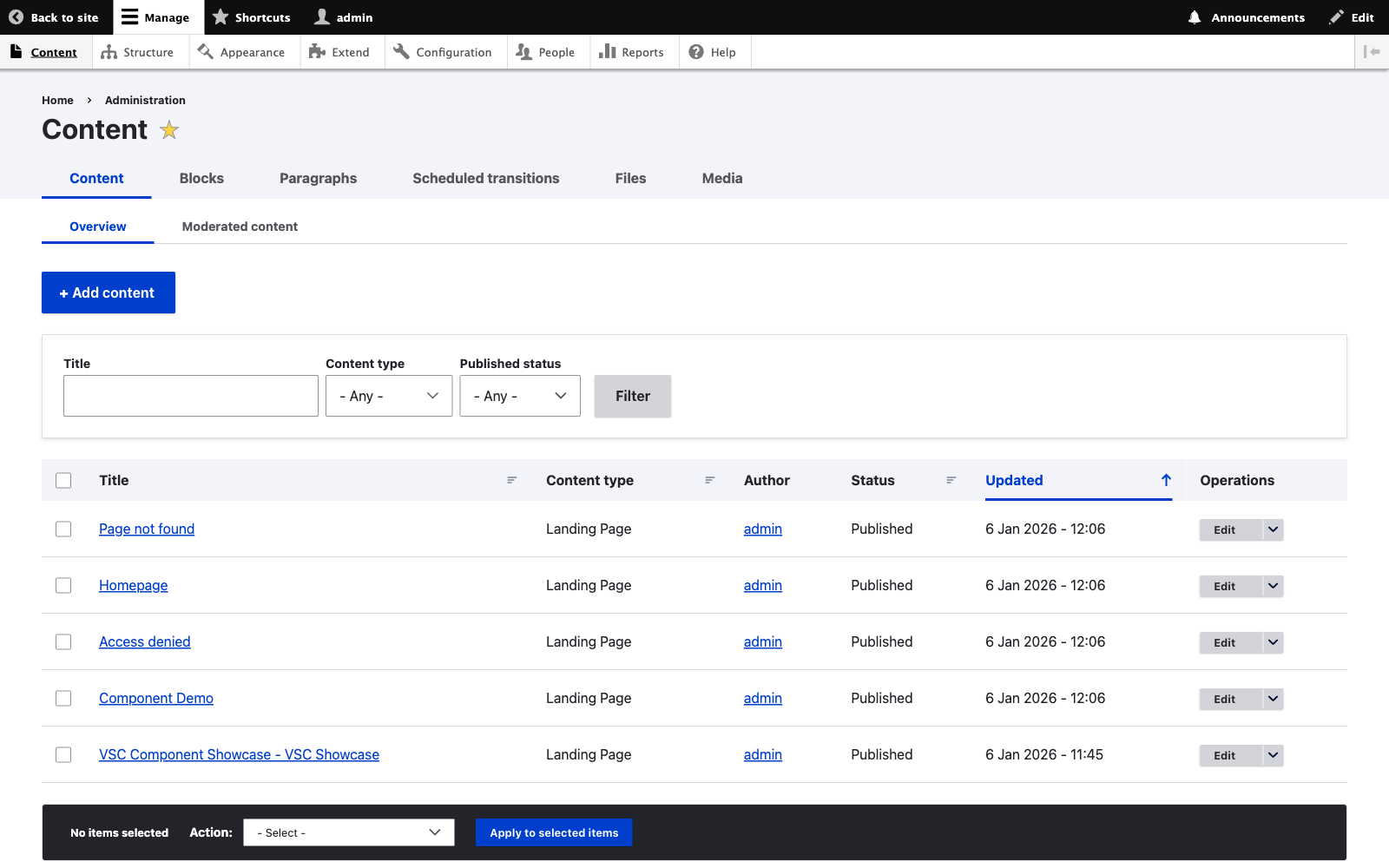
Built-in editorial workflows support review and approval processes. Content moves through draft, review, and published states with full revision history.
- Role-based permissions
- Approval workflows
- Complete revision history